
From blank form to verified LazyBar account: the complete route
Registration is a two-stage account build rather than a single email box. LazyBar supports Google sign-in or an email-and-password route, then requests identity and contact details. Completing the form accurately at the start reduces friction when the first withdrawal triggers KYC. The LazyBar Casino overview shows the games, sportsbook and cashier that this account can access.
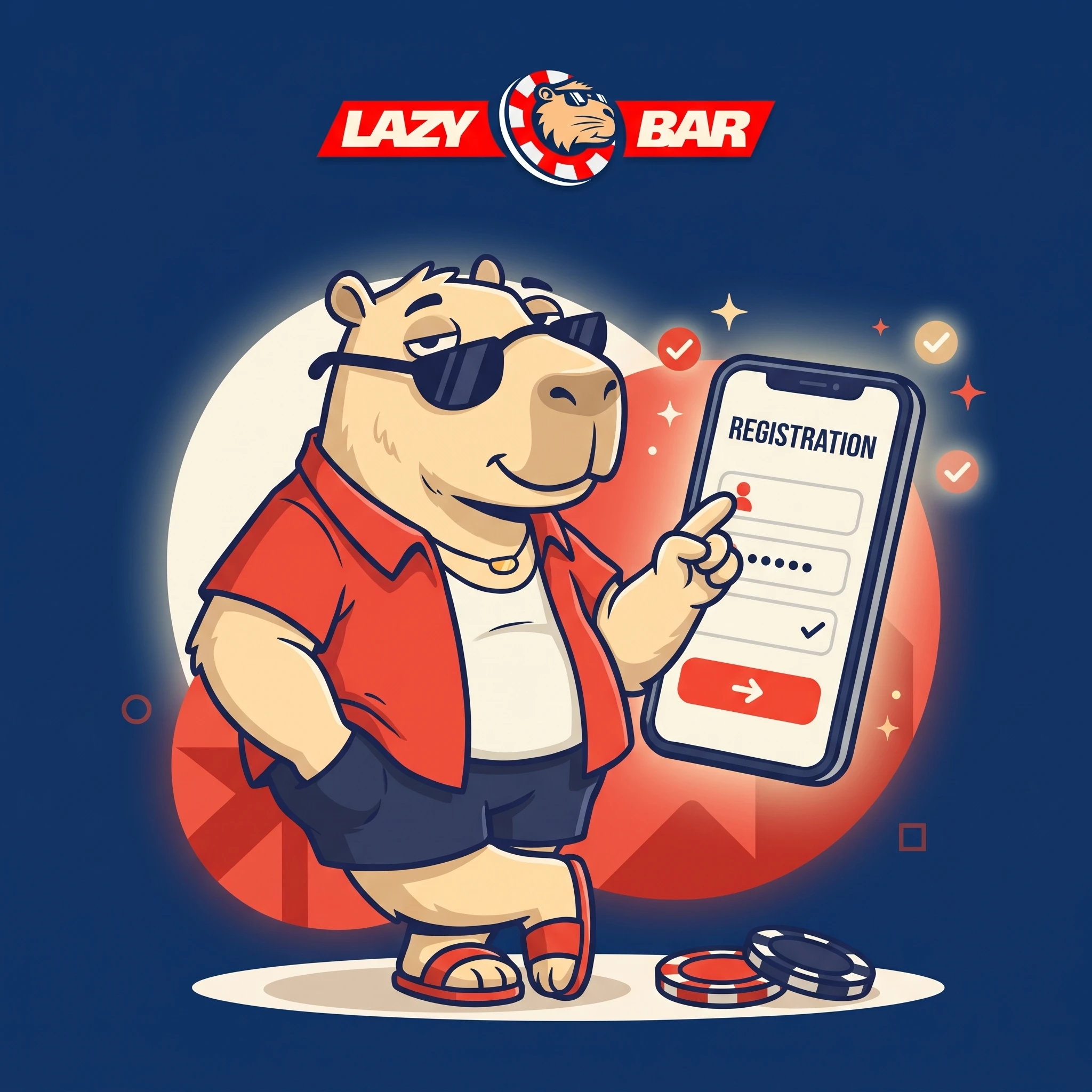
Create your LazyBar account
Register nowAccount path at a glance
| Stage | Data or action | Why it matters |
|---|---|---|
| Entry | Google account or email and password | Creates the login credential |
| Promotion | Optional promo code | Links an eligible campaign before funding |
| Eligibility | 18+ confirmation | Confirms minimum age requirement |
| Profile | Name, date of birth, address, phone | Must agree with payment and KYC records |
| Security | CAPTCHA and optional 2FA | Reduces automated and unauthorised access |
Create the account without a later mismatch
- Open the official registration form.
- Choose Google sign-in or provide an active email and a unique password.
- Enter the promo code only if its terms have already been checked.
- Confirm that the account holder is at least 18.
- Complete the legal name, birth date, residential address and mobile number.
- Review every field before submission; aliases and payment names should not conflict.
Claiming a welcome offer during registration
The bonus should be selected before the qualifying deposit. After account creation, open Promotions, confirm the active offer and its code, then compare the minimum deposit with the wagering multiple and game contribution. A code entered during sign-up does not override campaign limits or make an ineligible payment eligible. The LazyBar bonus guide compares the offer terms to check before funding.
Prepare the first withdrawal before the first deposit
| Verification item | Acceptable evidence | Common issue |
|---|---|---|
| Identity | Government-issued photo ID | Expired or cropped document |
| Address | Recent utility bill or bank statement | Profile address differs |
| Payment ownership | Card, wallet or account proof | Depositor name does not match |
| Enhanced check | Additional source-of-funds material if requested | Incomplete or unreadable files |
The published claim is that first-withdrawal verification may take up to 48 hours. Internal withdrawal review can take up to 24 hours separately, followed by the payment provider’s own delivery time. After setting up the account, the LazyBar mobile app guide explains how to add its mobile shortcut.
FAQ
Can LazyBar registration use Google?
Yes. Google sign-in is presented alongside the email-and-password route.
Is a promo code mandatory?
No. It is optional, but an offer that requires a code must be activated correctly before the deposit.
What is the minimum age?
Account holders must be at least 18, or older if local law requires it.
Which personal details are requested?
Name, date of birth, address and phone number are part of the profile flow.
When can LazyBar request KYC?
The first withdrawal commonly triggers verification, and additional checks may occur later.
How long can first-withdrawal verification take?
The published guidance states up to 48 hours.
Can another person’s card fund the account?
No. The payment method should belong to the registered account holder.
Why should the address be entered exactly?
It must match the proof of address supplied during verification.
Does account creation automatically activate a bonus?
Not necessarily. Confirm the offer in Promotions before funding.
What should be done after registration?
Enable available security controls, verify the profile, inspect the promotion and only then choose a payment method.