
Put LazyBar on the home screen without downloading an APK
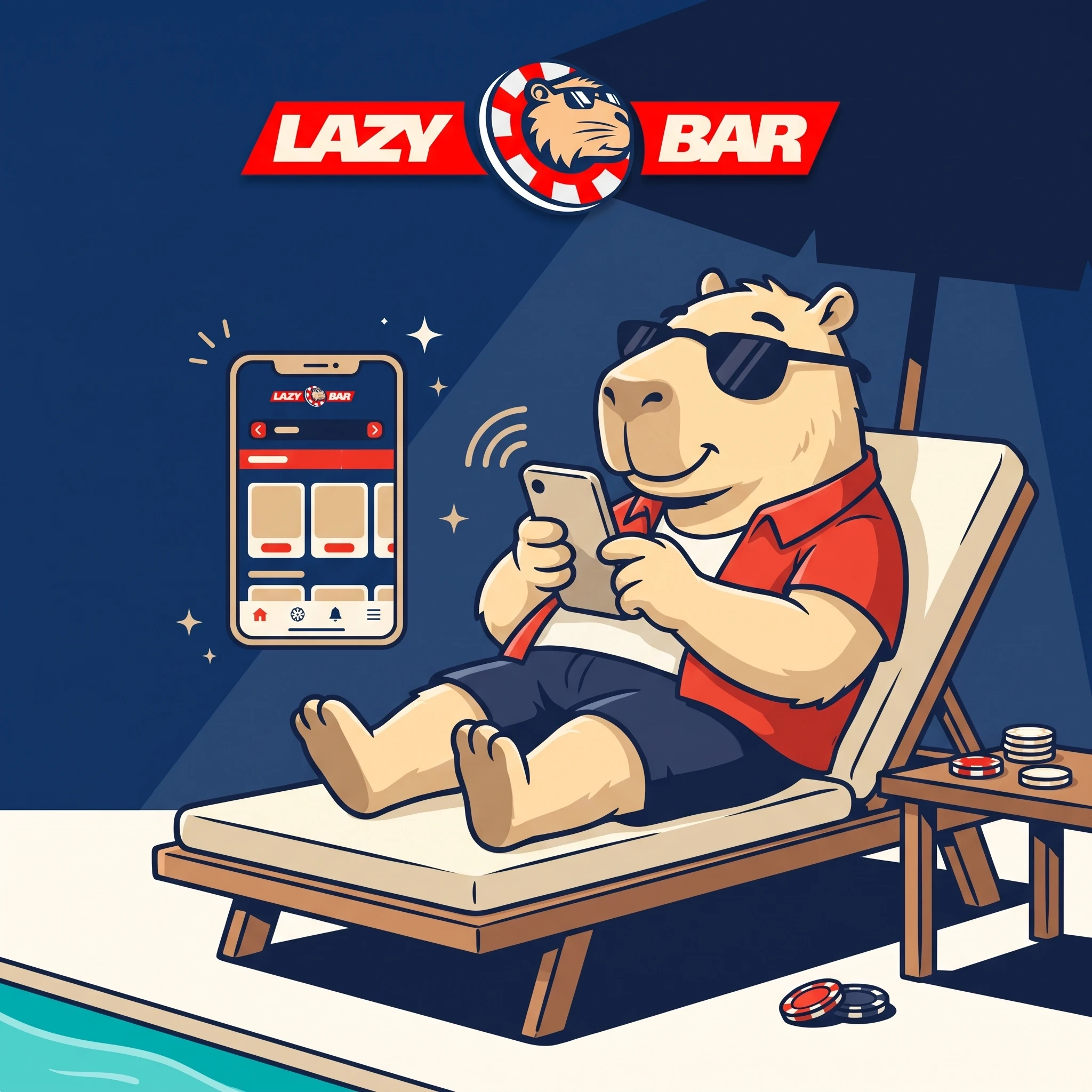
LazyBar uses a progressive web app. It runs from the mobile site, installs through the browser and does not require an APK or an app-store package. The result is a home-screen icon with access to the casino lobby, sportsbook, cashier, promotions, support and account controls. New users can follow the LazyBar registration guide before signing in on mobile.
Take LazyBar to your home screen
Install PWAPWA, browser tab or native app: the difference
| Format | Installation | Updates | Account coverage |
|---|---|---|---|
| LazyBar PWA | Add from Chrome or Safari | Delivered through the web service | Casino, sports, cashier and profile |
| Mobile browser | No installation | Always loads the current site | Same account through a browser tab |
| APK / native package | Not required for the published route | Not applicable | Do not use third-party download files |
For a wider look at the games and sportsbook available through that account, see the LazyBar Casino overview.
Install on Android
- Open LazyBar in Chrome.
- Sign in and confirm the secure site.
- Open the browser menu and select Add to Home screen or Install app.
- Approve the name and icon.
- Launch from the new shortcut.
Install on iPhone or iPad
- Open LazyBar in Safari.
- Tap Share.
- Choose Add to Home Screen.
- Confirm the shortcut name.
- Open the icon and sign in with the existing account.
What fits inside the mobile lobby
| Area | Concrete coverage | Mobile check |
|---|---|---|
| Casino | 6,000+ games; 5,000+ slots; 43 providers listed | Search and provider filters |
| Instant play | Aviator, Plinko, Mines, Keno, Penalty Unlimited | Session and stake limits |
| Live casino | Immersive Roulette, Gravity Roulette, Blackjack 7 | Connection stability and table minimum |
| Sports | 30+ disciplines including football, tennis, racing, handball and esports | Live-market suspension and settlement rules |
Before choosing a mobile promotion, review the LazyBar bonus guide for offer and wagering details.
Mobile security before money moves
- Use a unique password and enable two-factor authentication when available.
- Review login history after changing devices.
- Keep the operating system and browser updated.
- Do not install an APK supplied by an advertisement, message or file-sharing site.
- Use deposit limits, session reminders, a 24-hour cooling-off period or self-exclusion when required.
FAQ
Is there a LazyBar APK?
The published mobile route is a PWA, so an APK is not required.
Does the PWA work on Android?
Yes. Chrome can add it to the Android home screen.
Can an iPhone install the LazyBar shortcut?
Yes. Safari provides Add to Home Screen through the Share menu.
Does the app include sports betting?
Yes. The same account provides access to more than 30 sports disciplines.
Are all 6,000+ games guaranteed on every device?
Catalogues can vary by account and provider, so the live lobby is controlling.
Can payments be managed from mobile?
Yes. The cashier and verification flow are available in the account.
How are PWA updates installed?
They arrive through the web service; there is no manual app-store update.
What if the icon stops opening?
Remove the shortcut, reopen the official site and add it again.
Is a separate mobile account required?
No. The existing LazyBar login is used.
Which security feature matters most on a shared device?
Avoid saving credentials, enable 2FA and sign out after each session.